Features
Works With the Tools You Already Use
OCDBees fits into the way you already work. More connections are on the way.






One Simple Price. Everything Included.
No tiers. No add-ons. Nothing held back.

$3 / Seat / Month
One flat price for every team, every feature, every day.
- Unlimited Clients
- Unlimited Projects
- Unlimited Tasks
- Unlimited Files
- Unlimited Links
- Every Feature, Every Seat
- Unlimited Power
Let’s Clear Things Up
Quick answers to the questions we hear most.
You get 30 days with every feature, and no card is needed to start. Bring in real work, invite your team, and see how it feels. After your trial, it’s $3 per seat, per month. Cancel anytime.
One price, everything included: $3 per seat, per month. No tiers, no add-ons, nothing held back. Add teammates whenever you need them.
Read more: How much does OCDBees cost?
Your free trial runs 30 days, and no card is needed to start it. To keep using OCDBees after that, add a payment method — $3 per user, per month. Cancel before the trial ends and you’re never charged.
A seat provides access for one person in your workspace. The workspace owner manages the subscription and purchased seats through the billing portal. Additional seats take effect right away. A decrease takes effect at the next renewal and does not automatically remove anyone from the workspace. Your team decides whose access to change.
Everyone in a workspace can see its clients, projects and tasks. OCDBees is designed for teams that share visibility across their work. Workspace owners and admins manage team access, while the workspace owner manages billing and purchased seats.
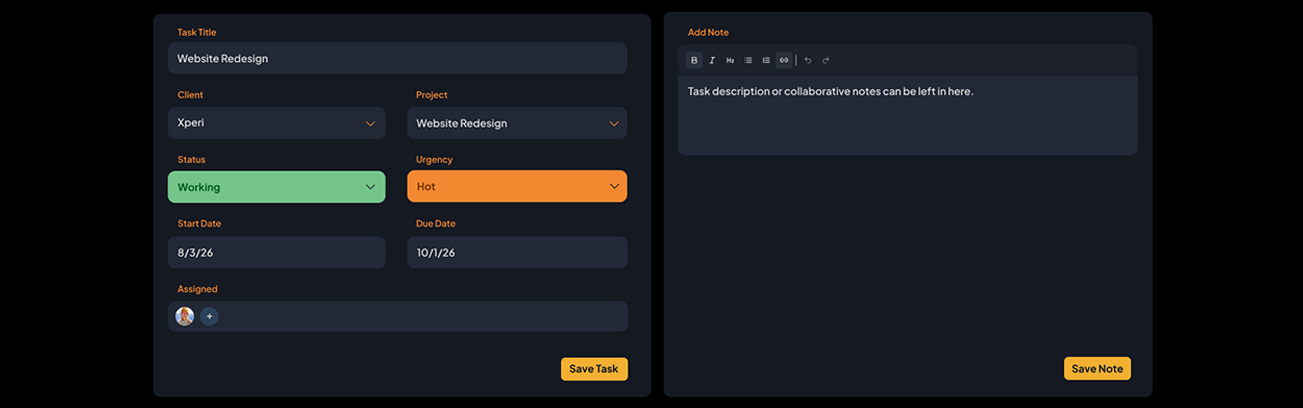
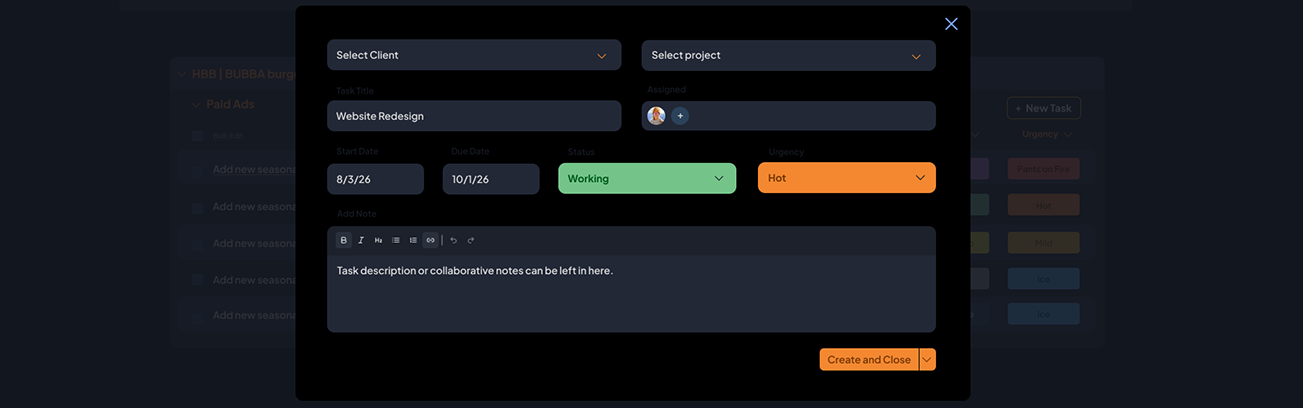
OCDBees keeps the essentials clear: clients, projects, tasks, who’s responsible, how urgent the work is, and when it’s due. We built it to help teams stay organized with less setup and less to learn, so there’s more time for the work itself.
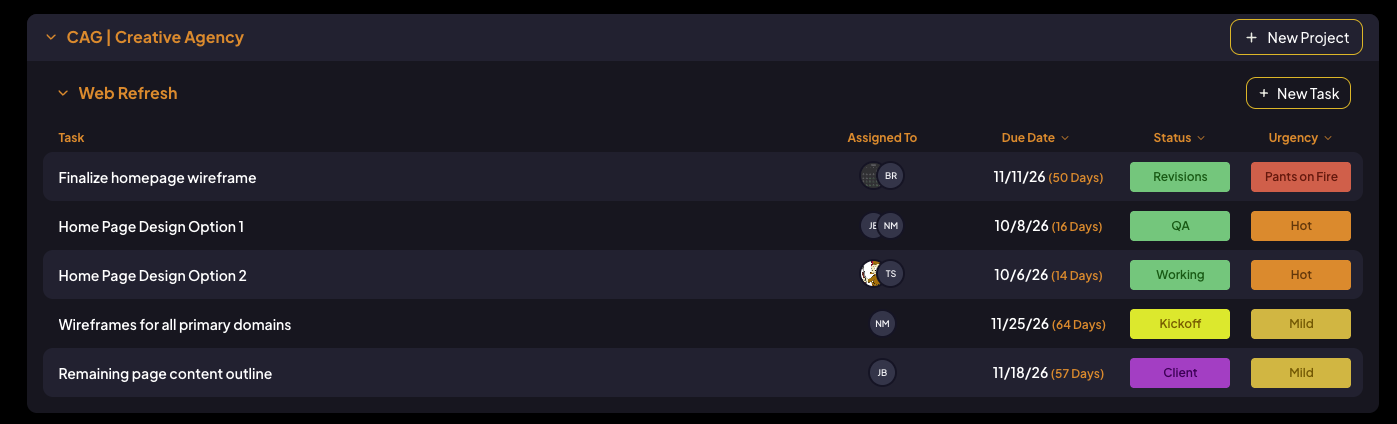
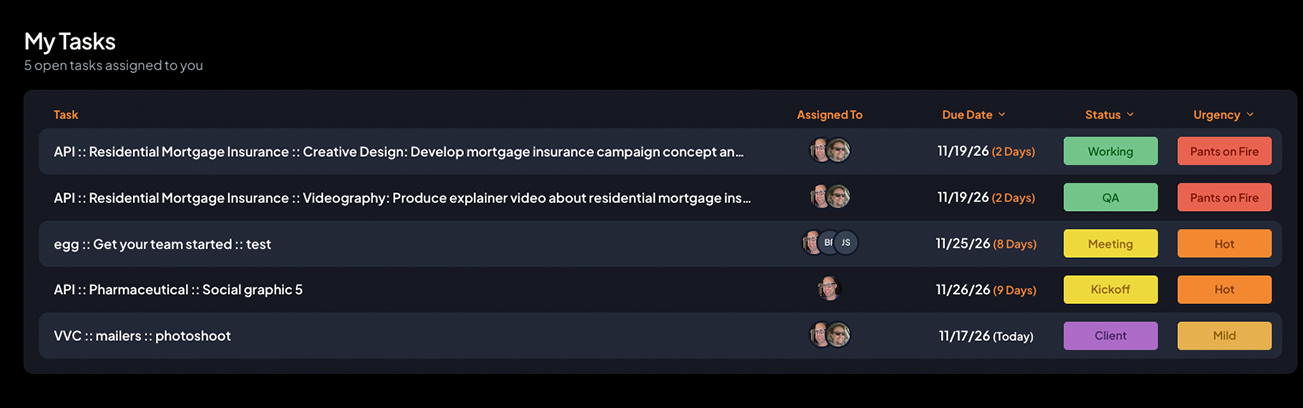
Pants on Fire, Hot, Mild and Ice Cold. Four clear levels help your team see what needs attention first. Pants on Fire is the highest urgency; Ice Cold is the lowest. With a connected AI assistant, you can also ask which tasks are on fire.
With a connected AI assistant, you can ask for a project timeline or schedule based on the task information available. Tasks with due dates can be organized by date, while tasks without dates can be listed separately so you can decide where they fit.
Yes. Connect ChatGPT or Claude to ask what’s on fire, summarize a project or draft the next round of tasks. Your assistant sees only what you can see, and nothing changes in OCDBees until you approve it. A workspace admin turns AI access on for the team.
No. Any change an assistant proposes is shown to you as a preview first, and nothing is written to your workspace until you confirm it. Your assistant can only see and change what your own account can, and every change made through an integration is recorded in your workspace’s audit history.
Your files belong with you, not in another data center we bill you for. Connect Google Drive, Dropbox or Amazon S3, and OCDBees keeps your attachments organized in a dedicated folder in your own account. No storage fees from us.
Email support@ocdbees.com and we’ll help you connect your workspace to Slack. This video walks through the setup:
Yes. Export your projects and tasks from your current tool, and your connected AI assistant will organize them for OCDBees and show you a preview before anything is saved. Need a hand? Reach out through our support page.
Yes. You own everything you put in OCDBees, and your files stay in the storage you connect. Cancel anytime.
The same small team at 5ivecanons that built it. We’ve run our own agency on OCDBees every day for over a decade, and it gave us back enough time to make our weekends longer. We’d love for it to do the same for you.
Read more: What is OCDBees?
Because we’d rather spend our time making OCDBees better than running a sales desk. That’s how we keep it at $3 a seat. Start a trial, try it with real work, and reach out anytime.
Send us a note through our support page, or email support@ocdbees.com. Tell us what you were trying to do and what happened, plus a screenshot if you have one. Someone who uses OCDBees every day will write back. Please never send passwords or payment details.
Look Good. Do Good.
Every purchase helps support The Common Good Co.